Skip to content
ChartForgeX

Sankey examples in C#

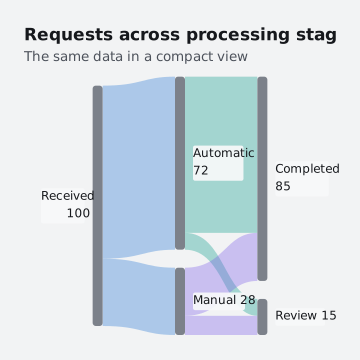
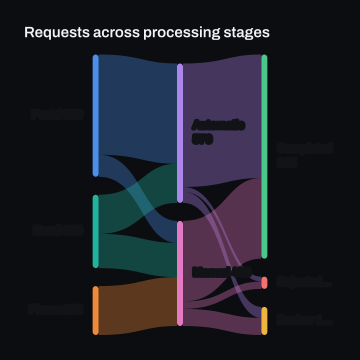
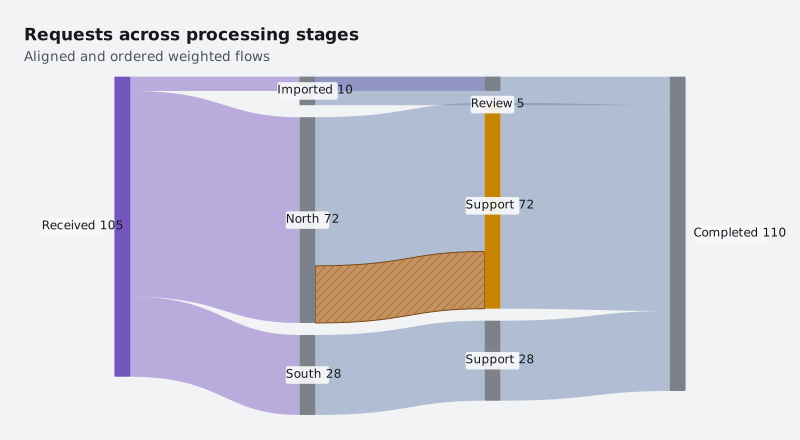
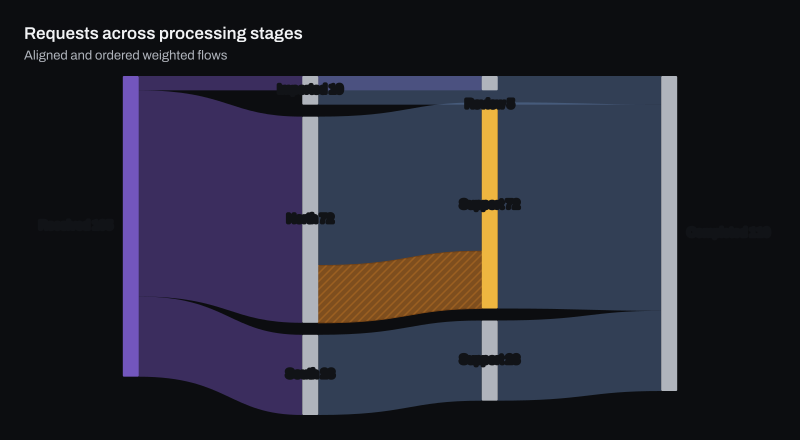
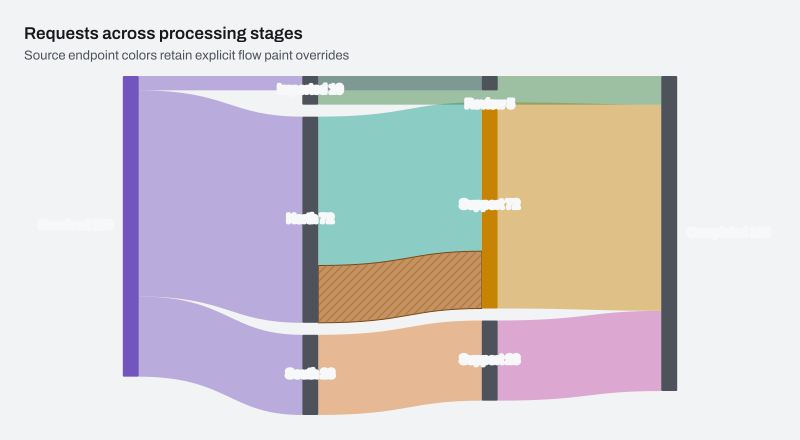
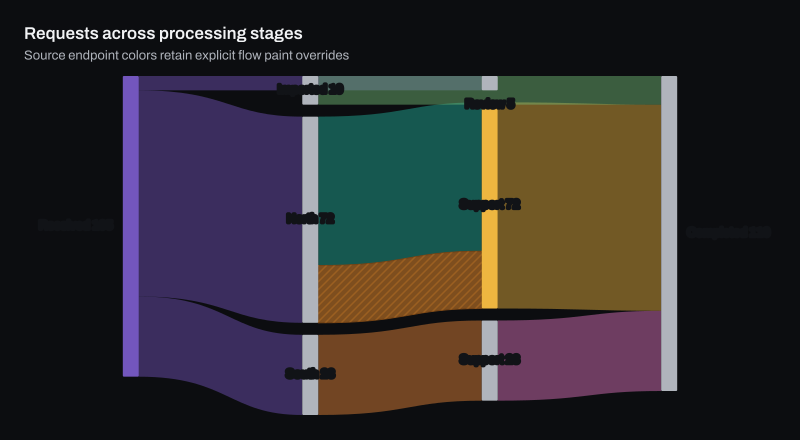
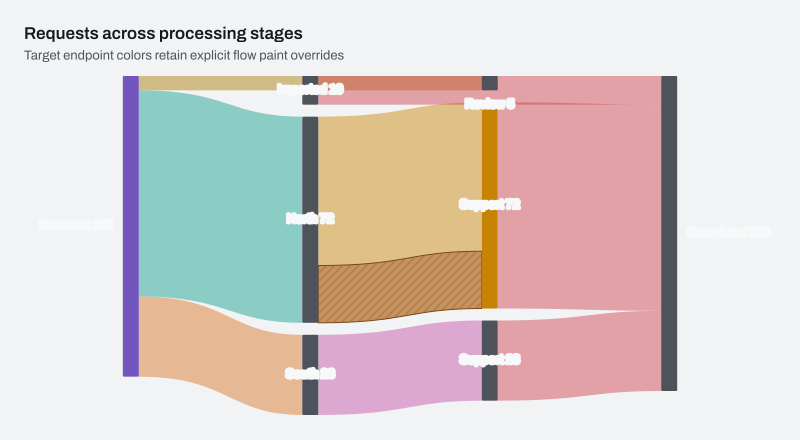
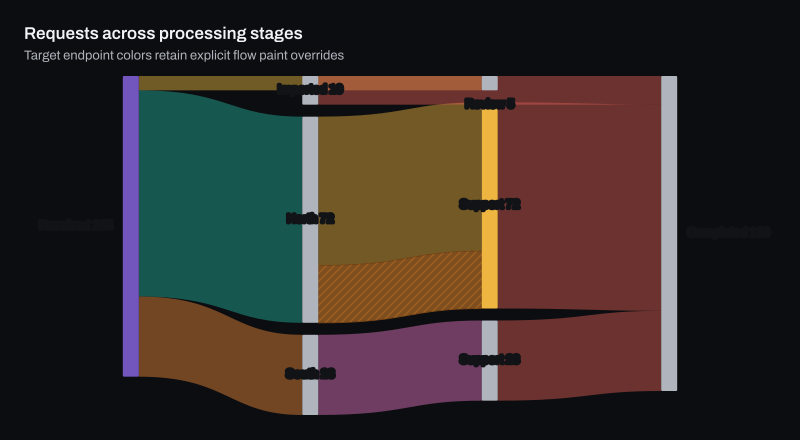
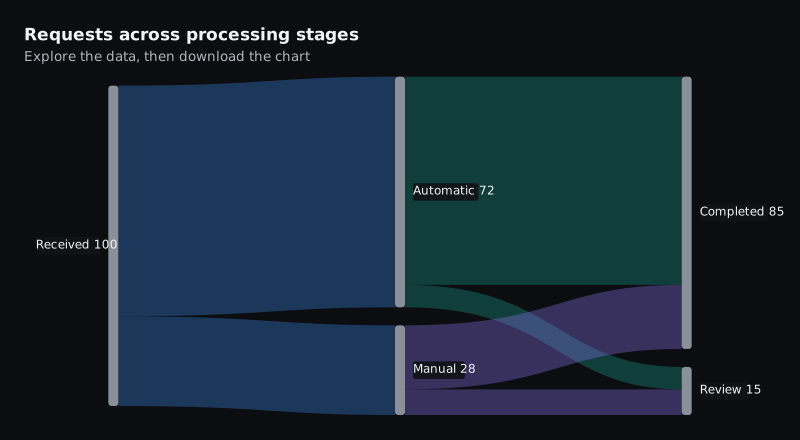
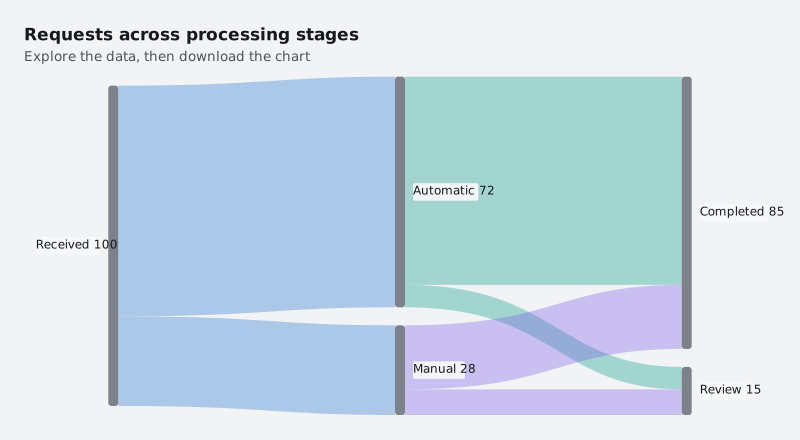
Sankey examples rendered by ChartForgeX: a live chart, variants in light and dark themes, the C# source and the options to configure it.

All charts RelationshipsSankey

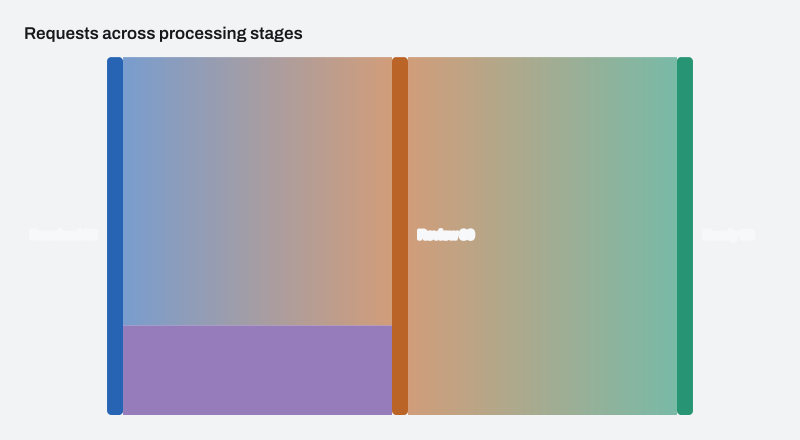
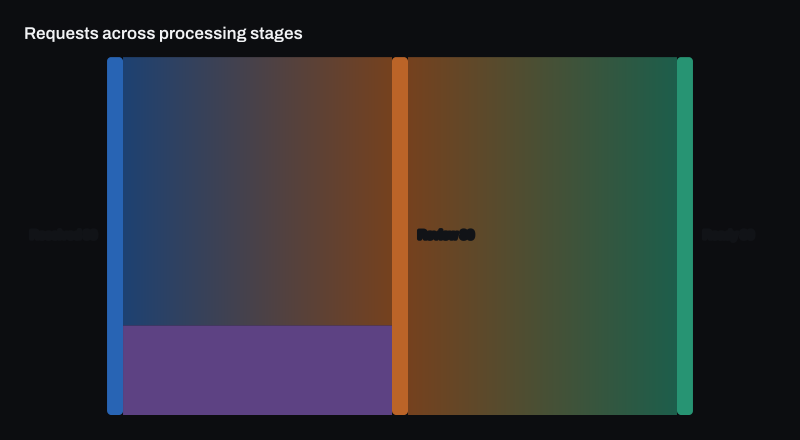
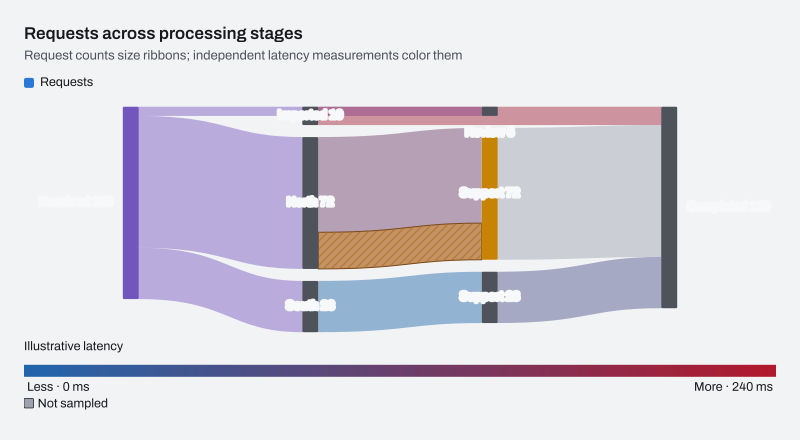
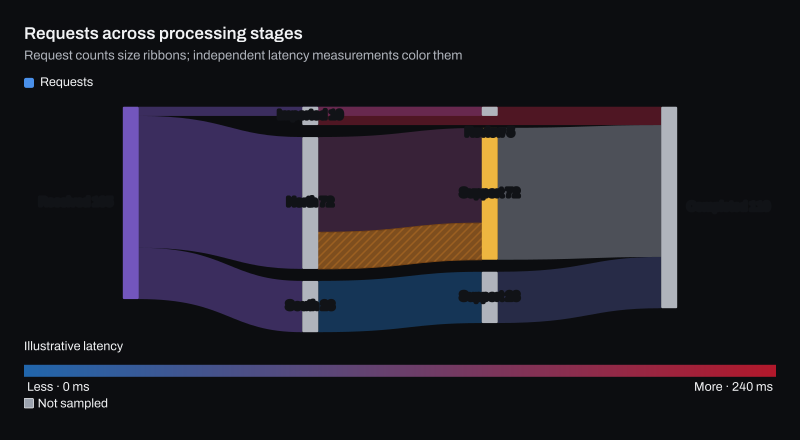
Requests across processing stages

The interactive HTML page ChartForgeX writes for this chart. Hover for values, click legend items to hide or show series, use the keyboard to navigate, and right-click for export and reset. Where the chart can redraw a zoomed range, use the wheel to zoom, choose Pan to move the window, or choose Brush and drag to zoom to a range.

Build it in C#

This is the code for the chart above. Show setup adds the imports before it and the few lines that write SVG, PNG and HTML after it, so it reads as one program; the download is the complete console program, ready to run with the ChartForgeX package.

C# Program.cs Download
Loading source…

Variants

Options

Set these on chart.ConfigureSankey(options => …). The full list is on the ChartSankeyOptions reference page.

OptionWhat it does
FlowColorModeGets or sets ribbon color inheritance. Source is the default and retains the existing source-node paint policy.
LabelStyleGets or sets label paint. Outlined (the default) keeps captions readable over flows with a surface-coloured text halo instead of a box; Backdrop adds a rectangular surface; Plain adds neither.
ColorScaleGets or sets the independent quantitative flow-color scale. Null uses the theme's sequential scale in Quantitative mode.
ColorDimensionGets the independent flow-color name, formatting and numeric-key presentation used in Quantitative mode.
RibbonVisibilityThresholdGets or sets a non-negative paint-only minimum ribbon thickness in logical units. Zero retains all representable ribbons.
AlignmentGets or sets horizontal layer placement. The default is Justify; every flow remains directed to a later layer.
VerticalAlignmentGets or sets where each column's nodes occupy its unused vertical space. The default is Center.
NodeOrderGets or sets ordering within each layer. The default is Auto; authored arrays and styling indexes stay unchanged.