Skip to content
ChartForgeX

Difference Area examples in C#

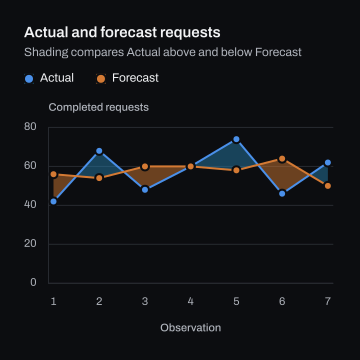
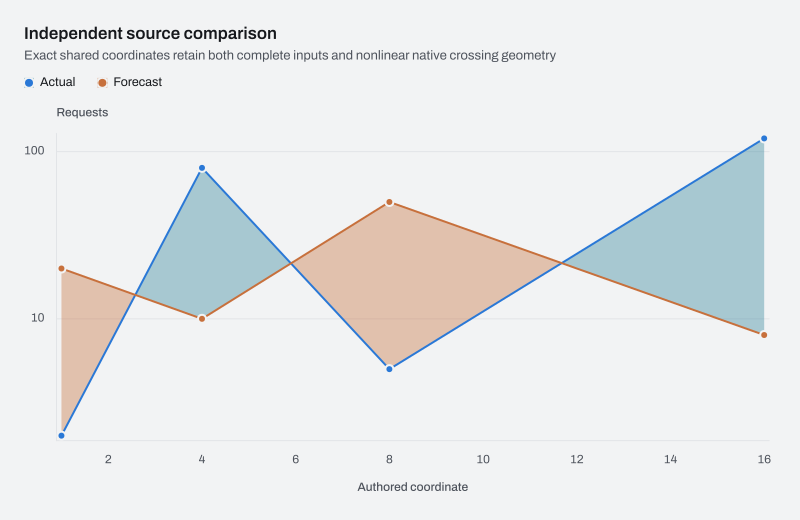
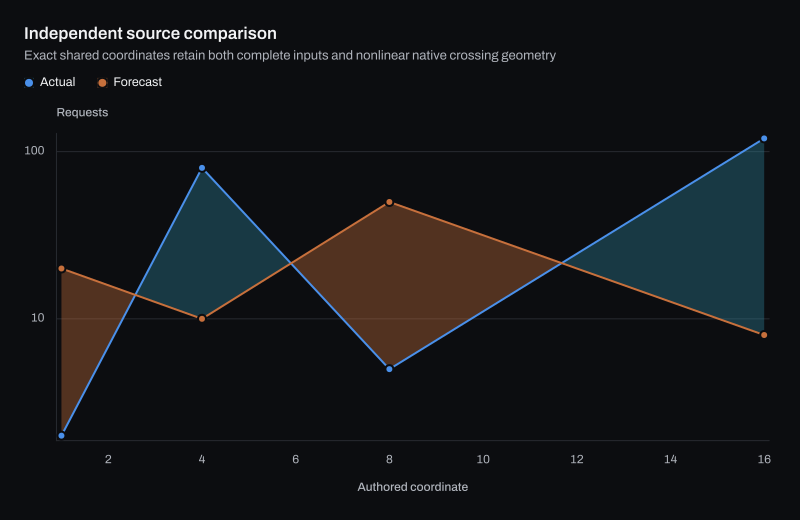
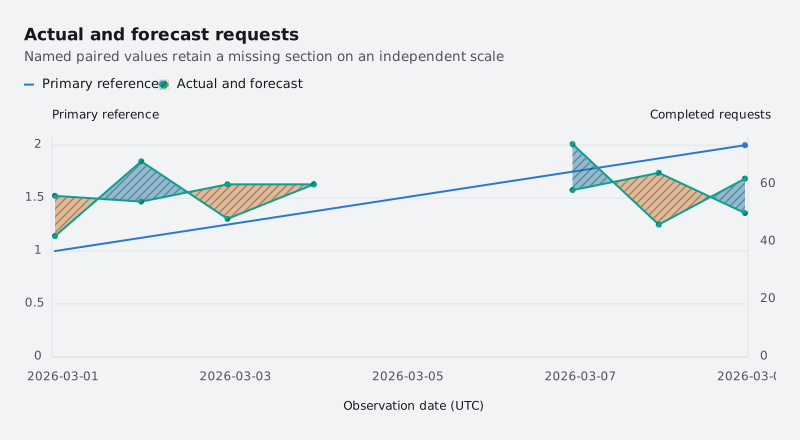
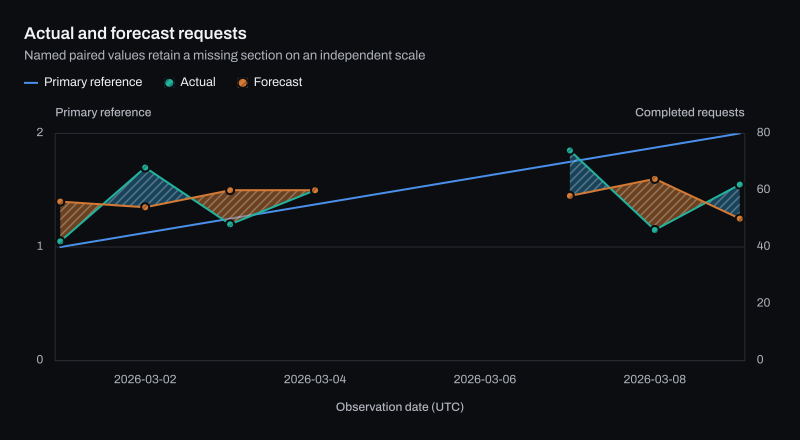
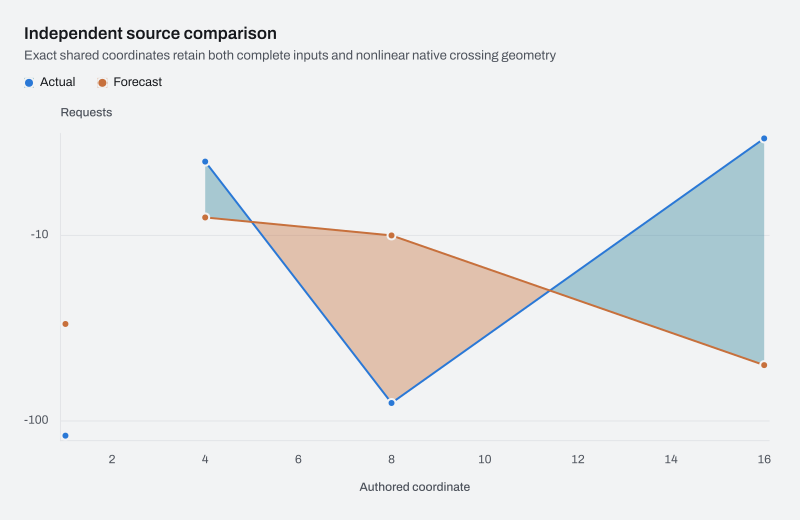
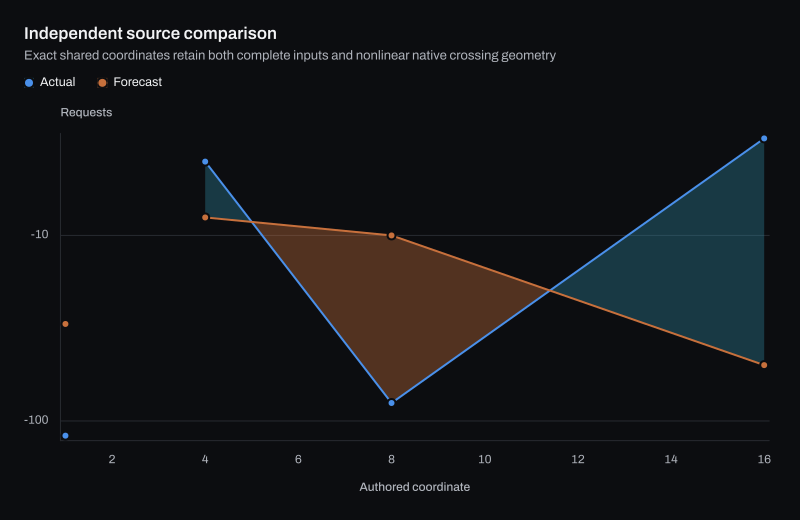
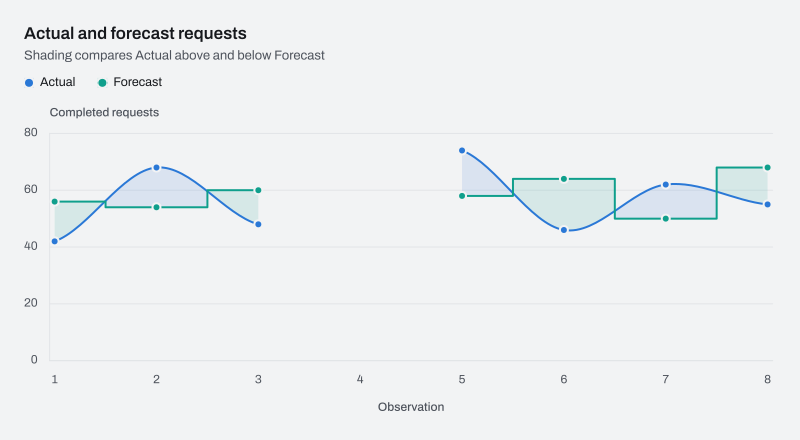
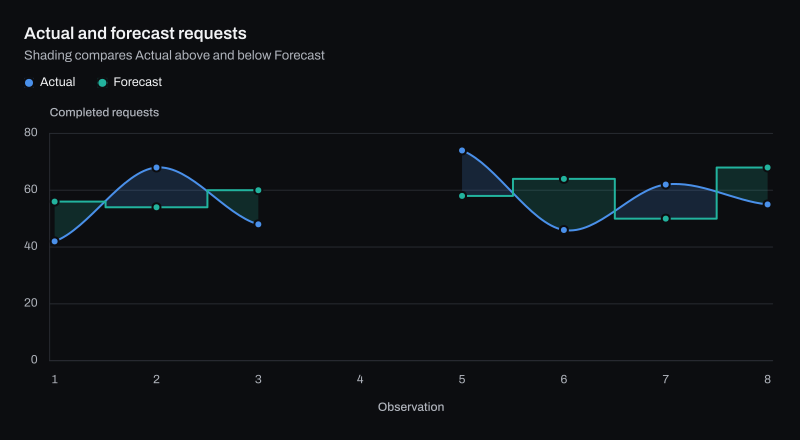
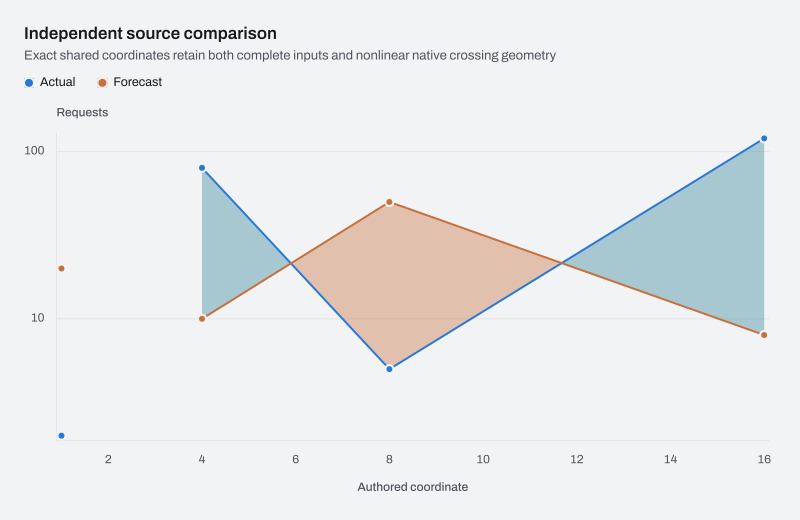
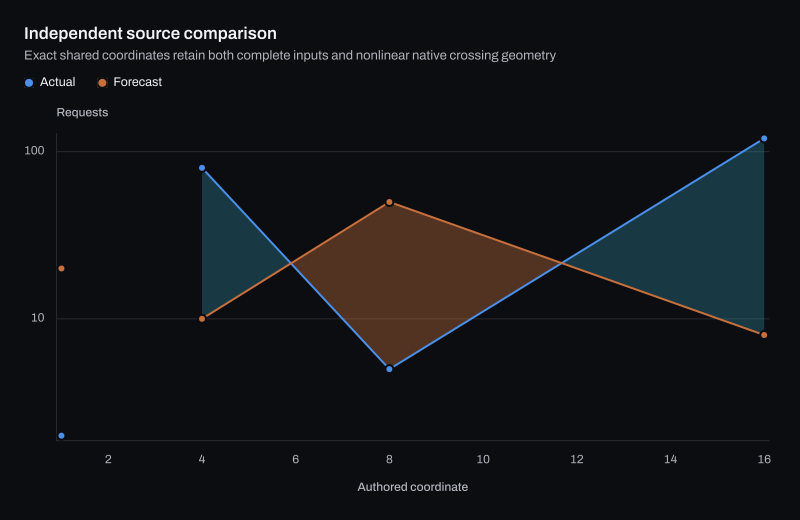
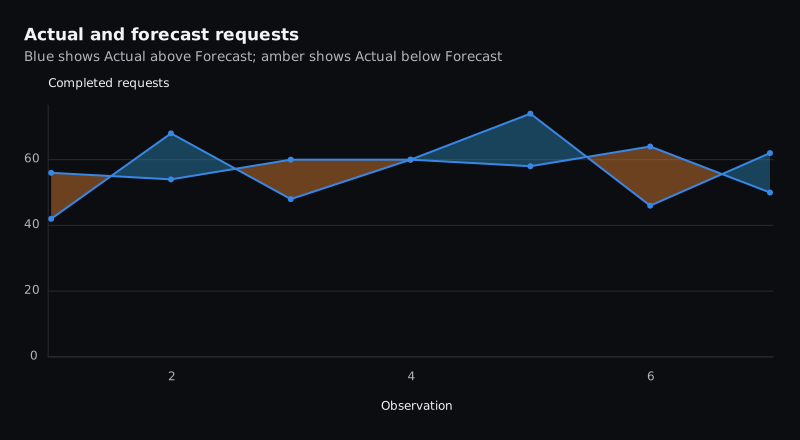
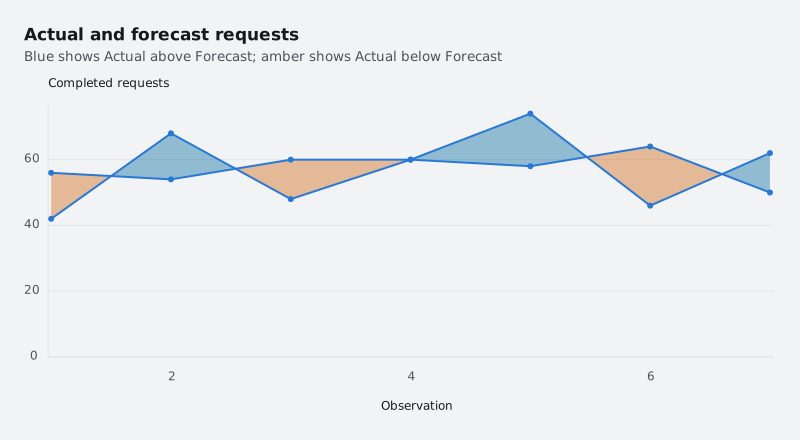
Difference Area examples rendered by ChartForgeX: a live chart, variants in light and dark themes, the C# source and the options to configure it.

All charts Trends and rangesDifferenceArea

Actual and forecast requests

difference-area.interactive.html SVG SVG Open live page Open live page C# program C# program
The interactive HTML page ChartForgeX writes for this chart. Hover for values, click legend items to hide or show series, use the keyboard to navigate, and right-click for export and reset. Where the chart can redraw a zoomed range, use the wheel to zoom, choose Pan to move the window, or choose Brush and drag to zoom to a range.

Build it in C#

This is the code for the chart above. Show setup adds the imports before it and the few lines that write SVG, PNG and HTML after it, so it reads as one program; the download is the complete console program, ready to run with the ChartForgeX package.
C# Program.cs Download
Loading source…

Variants

Options

Common ChartDifferenceAreaOptions builder calls for this family. Every member is listed in the API reference.

MethodWhat it does
FirstNameGets or sets the first observation's readout name. The default is First.
SecondNameGets or sets the second observation's readout name. The default is Second.
PositiveFillGets or sets fill where First is greater than Second. Null inherits series or palette paint.
NegativeFillGets or sets fill where First is less than Second. Null inherits explicit series paint or the next palette color.
PositiveFillOpacityGets or sets the positive fill alpha multiplier from zero to one. Null inherits the area's theme opacity.
NegativeFillOpacityGets or sets the negative fill alpha multiplier from zero to one. Null inherits the area's theme opacity.