Skip to content
ChartForgeX

Chord examples in C#

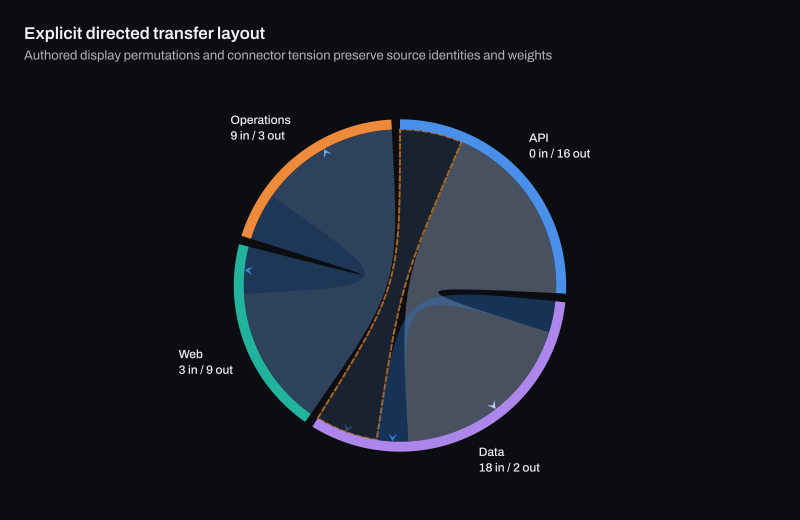
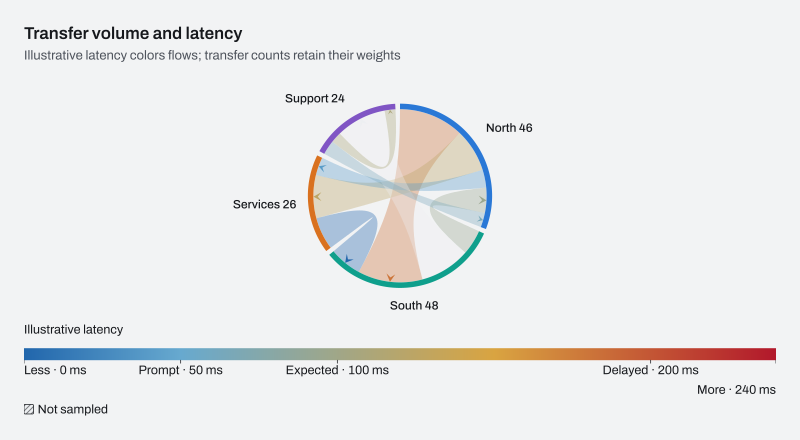
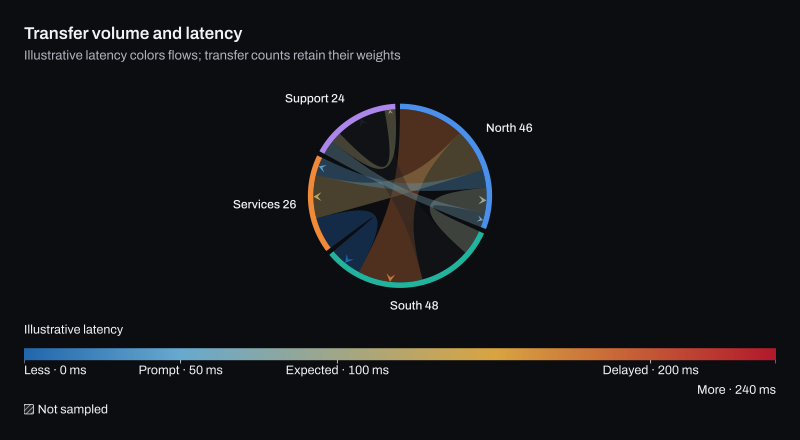
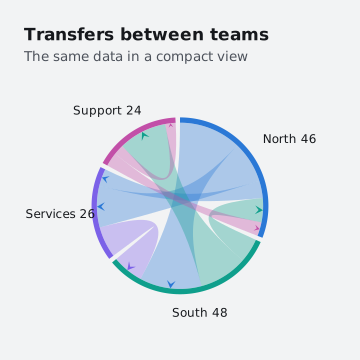
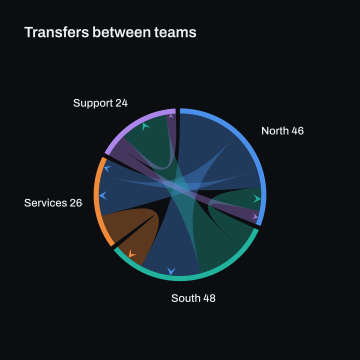
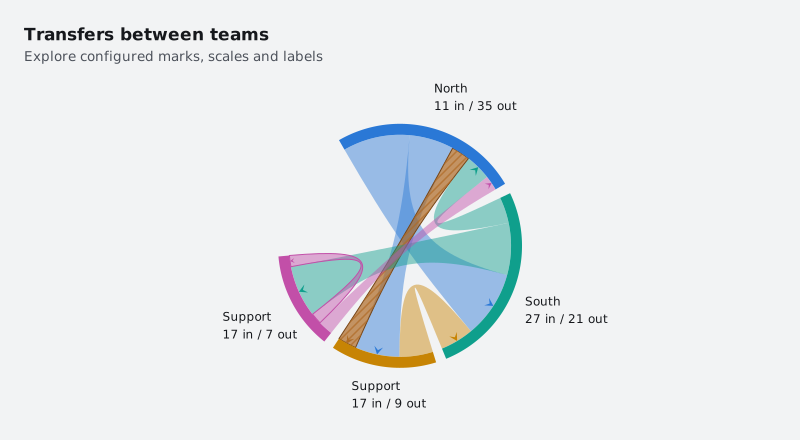
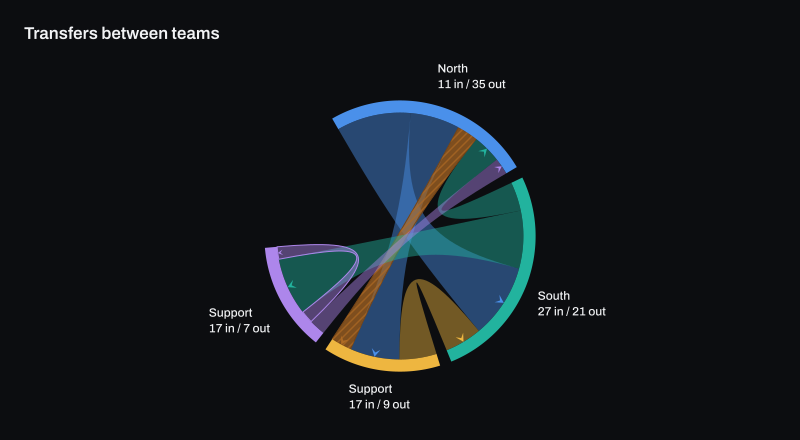
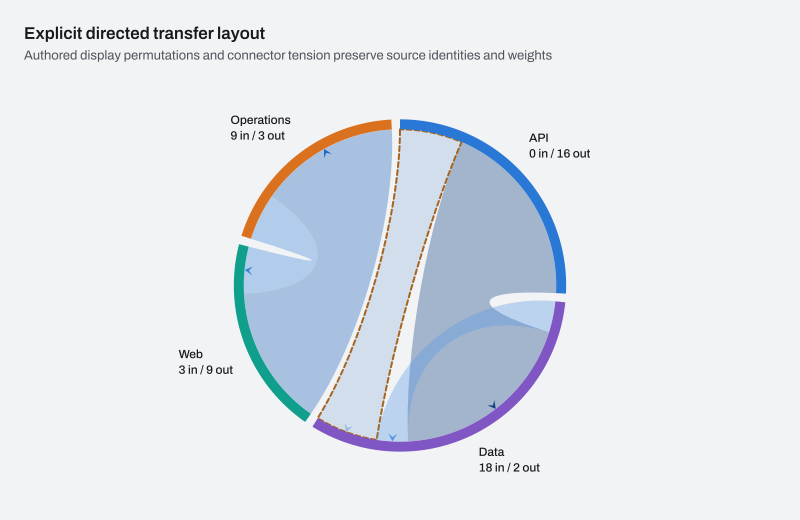
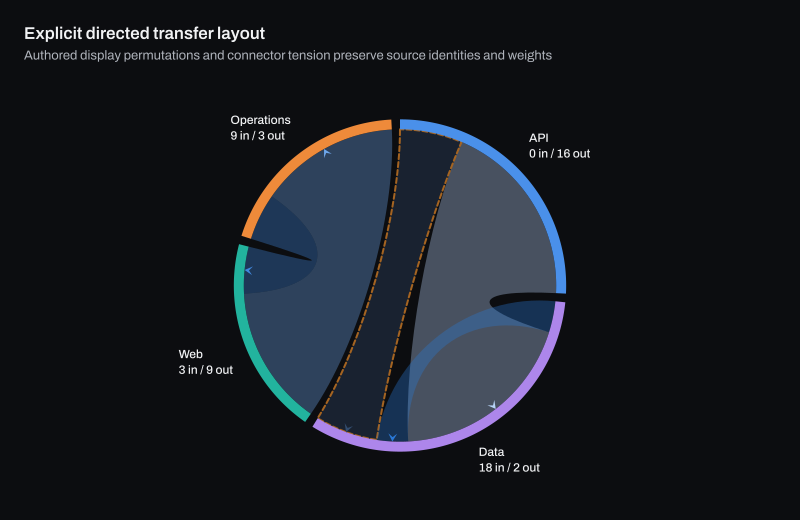
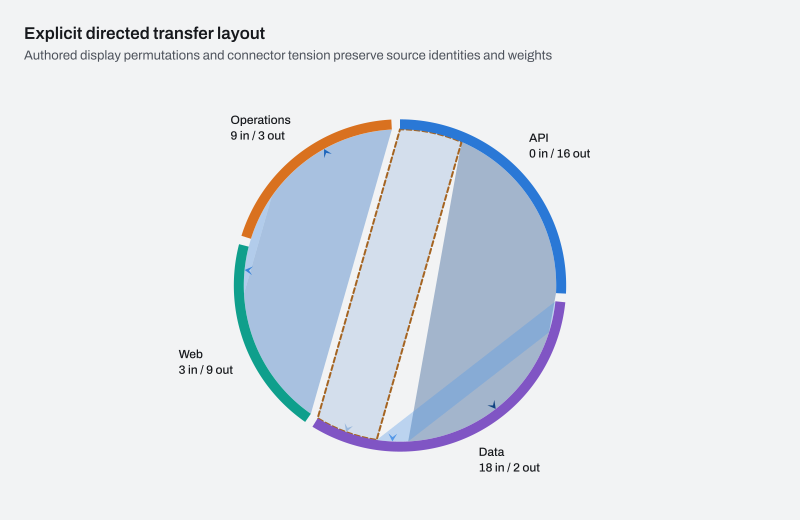
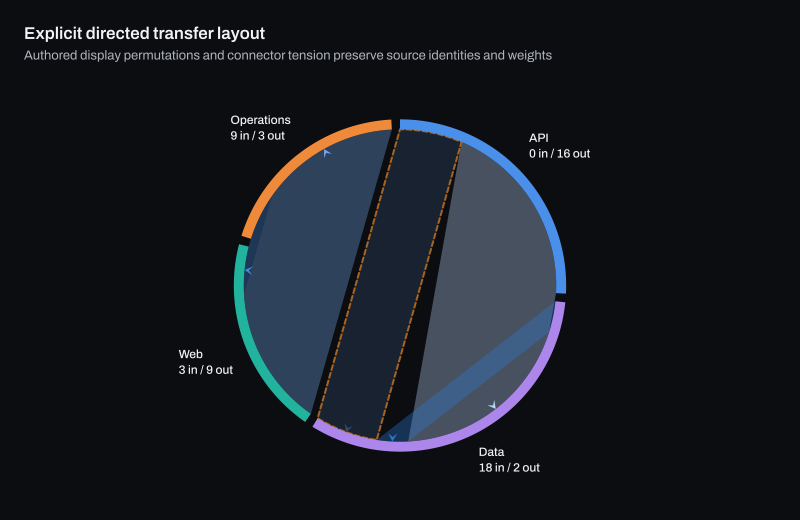
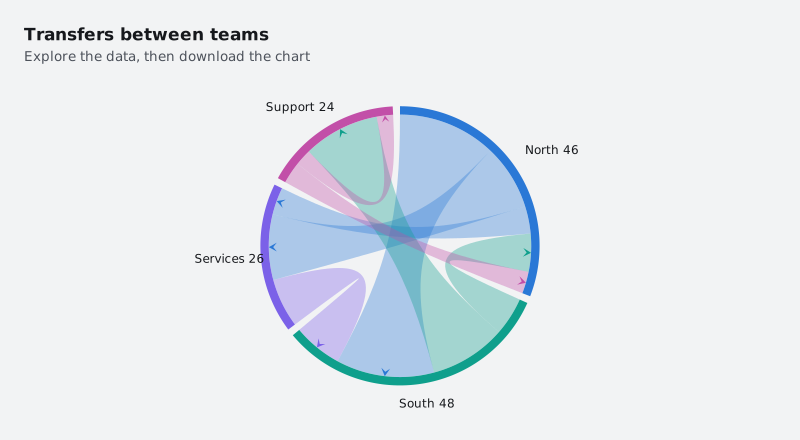
Chord examples rendered by ChartForgeX: a live chart, variants in light and dark themes, the C# source and the options to configure it.

All charts RelationshipsChord

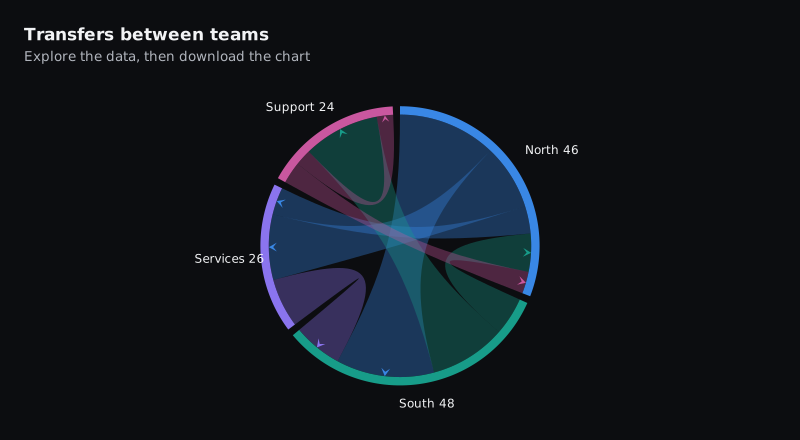
Transfers between teams

The interactive HTML page ChartForgeX writes for this chart. Hover for values, click legend items to hide or show series, use the keyboard to navigate, and right-click for export and reset. Where the chart can redraw a zoomed range, use the wheel to zoom, choose Pan to move the window, or choose Brush and drag to zoom to a range.

Build it in C#

This is the code for the chart above. Show setup adds the imports before it and the few lines that write SVG, PNG and HTML after it, so it reads as one program; the download is the complete console program, ready to run with the ChartForgeX package.
C# Program.cs Download
Loading source…

Variants

Options

Set these on chart.ConfigureChord(options => …). The full list is on the ChartChordOptions reference page.

OptionWhat it does
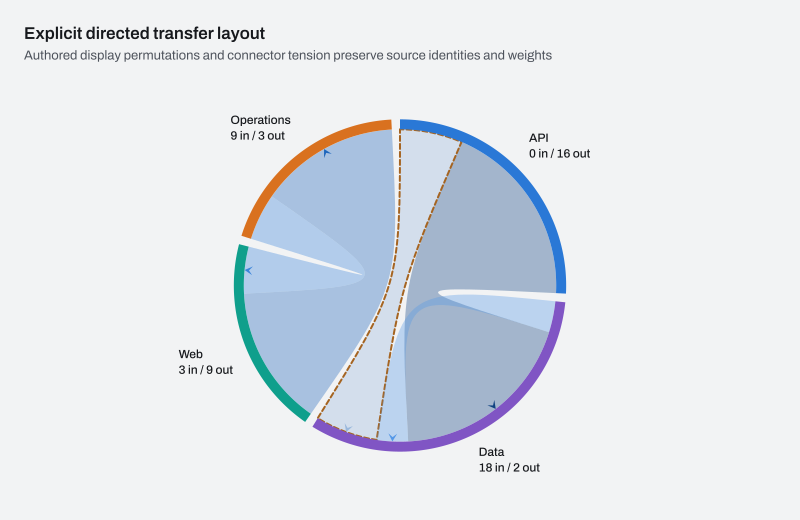
OrderingGets or sets immutable display order. Null retains source node and endpoint order.
RibbonTensionGets or sets connector tension from zero (straight) to one (controls at the center).
ColorScaleGets or sets the flow-color scale. Finite flow color values otherwise infer the theme's sequential scale.
ColorDimensionGets the independent flow-color name, formatting and numeric-key presentation.
StartAngleDegreesGets or sets the clockwise start in degrees; zero points right and -90 points up.
SweepAngleDegreesGets or sets the clockwise circular span, greater than zero and at most 360 degrees.
NodeGapDegreesGets or sets the gap in degrees after each positive node arc. Gaps must leave room inside the circular span.
NodeThicknessRatioGets or sets node-arc thickness as a fraction strictly between zero and one of the outer radius.