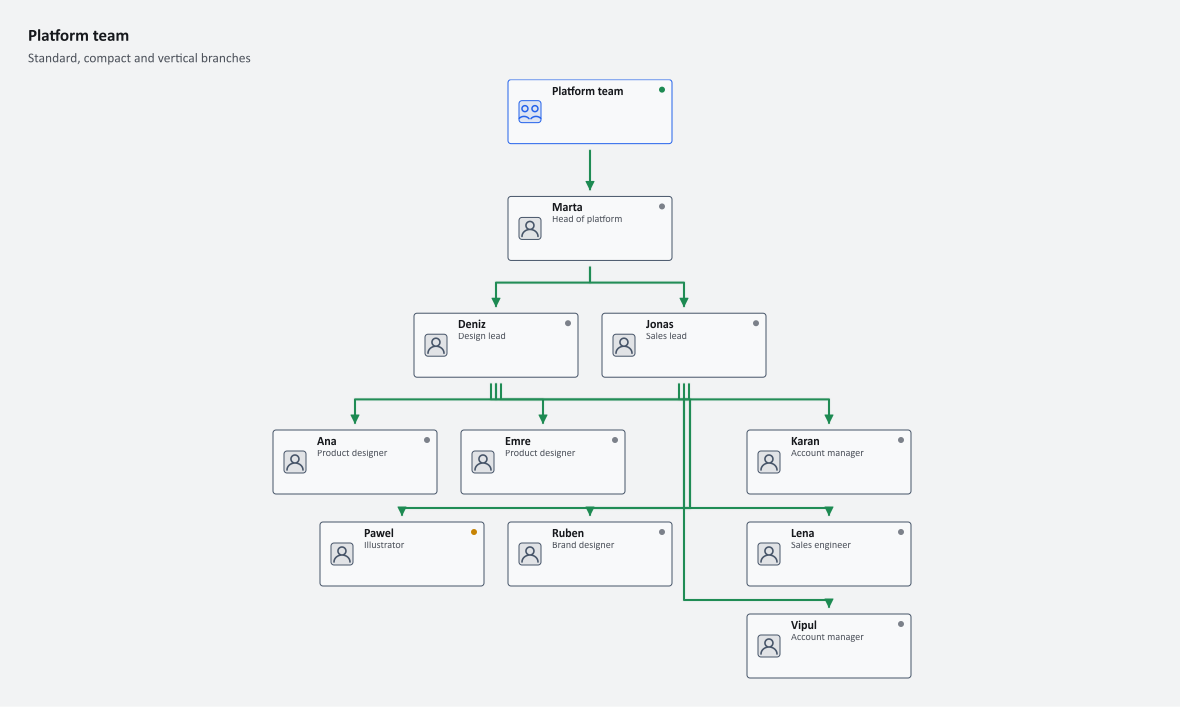
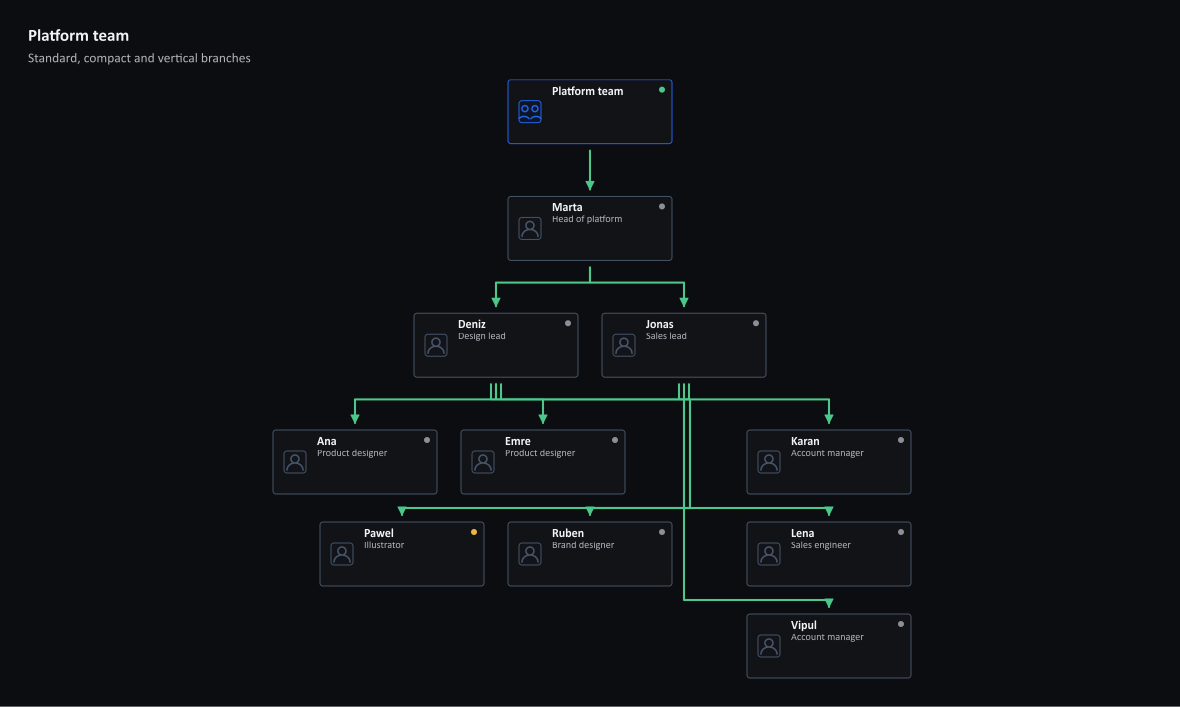
TopologyChart draws a static organization view, and hierarchy policy changes the density of one branch without touching the rest. The output above is this program's SVG; the site adds WithThemeMode to show it in its light and dark themes.
Organization hierarchy with branch layout policies
Mix standard, compact, and vertical branches in one deterministic hierarchy.


Describe the people
Each member names its manager; the small Reports helper keeps the leaf entries short. A layout policy on a member applies to the branch below it and is inherited, so most of a tree can stay automatic while one team becomes compact or vertical.
using ChartForgeX.Topology;

var members = new[] {
    new TopologyTeamMember("marta", "Marta", "Head of platform") {
        LayoutPolicy = TopologyHierarchyLayoutPolicy.Standard
    },
    new TopologyTeamMember("jonas", "Jonas", "Sales lead") {
        ParentId = "marta",
        LayoutPolicy = TopologyHierarchyLayoutPolicy.Vertical
    },
    new TopologyTeamMember("deniz", "Deniz", "Design lead") {
        ParentId = "marta",
        LayoutPolicy = TopologyHierarchyLayoutPolicy.Compact
    },
    Reports("ana", "Ana", "Product designer", "deniz"),
    Reports("pawel", "Pawel", "Illustrator", "deniz", TopologyHealthStatus.Warning),
    Reports("ruben", "Ruben", "Brand designer", "deniz"),
    Reports("emre", "Emre", "Product designer", "deniz"),
    Reports("vipul", "Vipul", "Account manager", "jonas"),
    Reports("karan", "Karan", "Account manager", "jonas"),
    Reports("lena", "Lena", "Sales engineer", "jonas")
};

static TopologyTeamMember Reports(string id, string name, string role, string manager,
    TopologyHealthStatus status = TopologyHealthStatus.Unknown) =>
    new(id, name, role) { ParentId = manager, Status = status };
Pick a policy per branch
Autolets the renderer select a deterministic layout from branch density.Standardsets a conventional row of direct reports.Compactwraps a dense branch.Verticalstacks a narrow branch in a single column.
Build the chart
AddTeam turns the parent links into nodes and ownership edges. MaxLevel bounds how deep the chart goes.
var chart = TopologyChart.Create()
    .WithTitle("Platform team")
    .WithSubtitle("Standard, compact and vertical branches")
    .WithViewport(1180, 620, 28)
    .AddTeam("platform", "Platform team", members,
        new TopologyTeamOptions { MaxLevel = 3 });
Save it
SVG and PNG share the same hierarchy geometry, so documentation and raster consumers see the same chart.
chart.SaveSvg("platform-team.svg");
chart.SavePng("platform-team.png");
The maintained team hierarchy example adds a legend, routing metadata and a larger team.