ChartForgeX.Stories presents source, terminal output, text and resolved media on one deterministic timeline. Use it for a coding demonstration, a build replay, an API walkthrough or an image comparison. A story declares its outcomes, and its final scene must contain every referenced outcome panel.
Preparation captures the story, themes, source edits, terminal tables and media pixels. Later changes to those inputs do not change the prepared result. The same observation supplies timestamp frames, static posters, script-free SVG animation, GIF and APNG.
using System;
using System.IO;
using ChartForgeX.Stories;
using ChartForgeX.Raster;
using ChartForgeX.Terminal;
using ChartForgeX.Themes;

var editor = StorySourceTimeline.Create(StorySourceText.Create("", "csharp"))
    .Type("Console.WriteLine(\"Ready\");", TimeSpan.FromSeconds(2))
    .Pause(TimeSpan.FromSeconds(2));

var story = VisualStory.Create("Write and run")
    .WithTheme(VisualTheme.Graphite(), VisualThemeMode.Dark)
    .WithFormat(VisualStoryFormat.Widescreen);
story.Scene("write", "Write the source", 4)
    .Panel("source", new VisualStorySourceSurface(editor,
        options: new VisualStorySourceOptions("demo.cs", fontSize: 18)));
story.Scene("result", "Read the result", 2)
    .Panel("result", new VisualStoryTextSurface("Ready", emphasized: true));
story.Outcome("ready", "Ready", "result");

var prepared = story.Prepare(new VisualStoryPlaybackOptions(
    endHold: TimeSpan.FromSeconds(2), playCount: 1));
var frames = new VisualStoryFrameOptions(framesPerSecond: 6);

File.WriteAllBytes("poster.png", prepared.ToPng());
File.WriteAllText("poster.svg", prepared.ToSvg());
File.WriteAllText("story.svg", prepared.ToAnimatedSvg(frames));
File.WriteAllText("story.txt", prepared.ToTranscript());
using var gif = File.Create("story.gif");
prepared.WriteAnimation(gif, RasterAnimationFormat.Gif, frames);
RenderAt(timestamp) returns independently owned RGBA pixels. PrepareFrame(timestamp) retains native geometry for SVG and raster output. Timestamps beyond the authored content show the completed scene; negative timestamps fail. Chapters exposes scene start times for seeking. These boundaries are captured at .NET tick precision and also govern frame lookup and export. Repetition belongs to the player or encoded animation, so timestamp rendering always observes one play.
prepared.ToHtmlPage(frames) exports a script-free HTML page with the same captured inputs and custom timing. Add the optional browser adapter when the page needs playback controls.
VisualStoryPlaybackOptions controls transitions, the final hold and total plays. A play count of zero repeats indefinitely; one plays once. VisualStoryFrameOptions controls cadence, pixel scale and the explicit frame budget. Frame durations sum to one play in .NET ticks. GIF rounds cumulative boundaries to 10 milliseconds to avoid drift at rates such as six frames per second, and validates chapter readability on that display clock. GIF accepts up to 50 frames per second and requires a final delay of at least 20 milliseconds; increase the hold or change cadence when the rounded remainder is shorter. APNG supports up to 60 frames per second and retains fractions within its 16-bit timing precision. Each chapter needs a sample at least half opaque, including its incoming cross-fade, and an opacity-weighted display duration of at least one sampling interval, capped by its authored duration. A cadence that misses this visibility or reveals the final chapter before its boundary fails before producing frames. Default SVG and HTML sampling starts at six frames per second, increases cadence for short chapters, or lowers it for longer plays, while staying within 600 frames. If no candidate keeps every chapter readable within that limit, export fails before embedding frames and requires explicit sampling options. Supplied options retain their requested cadence and frame budget.
The convenience methods story.ToSvg(), ToPng(), ToGif() and ToApng() use this engine. ToSvg() produces animation; prepared.ToSvg() produces a static frame. Existing VisualStoryAnimationOptions configures convenience GIF/APNG exports. Prepare once when several outputs must share custom timing.
For a longer presentation, set the frame budget explicitly. For example, a ten-minute story with a 1.5-second final hold needs 1,203 frames at two frames per second:
var longFrames = new VisualStoryFrameOptions(framesPerSecond: 2, maximumFrames: 1800);
File.WriteAllText("long-story.svg", prepared.ToAnimatedSvg(longFrames));
Choose a faster cadence for short chapters. Explicit budgets support up to 3,600 frames; the SVG document and chapter-readability limits still apply. Static posters and timestamp frames do not need sampled-animation options.
Source and terminal panels
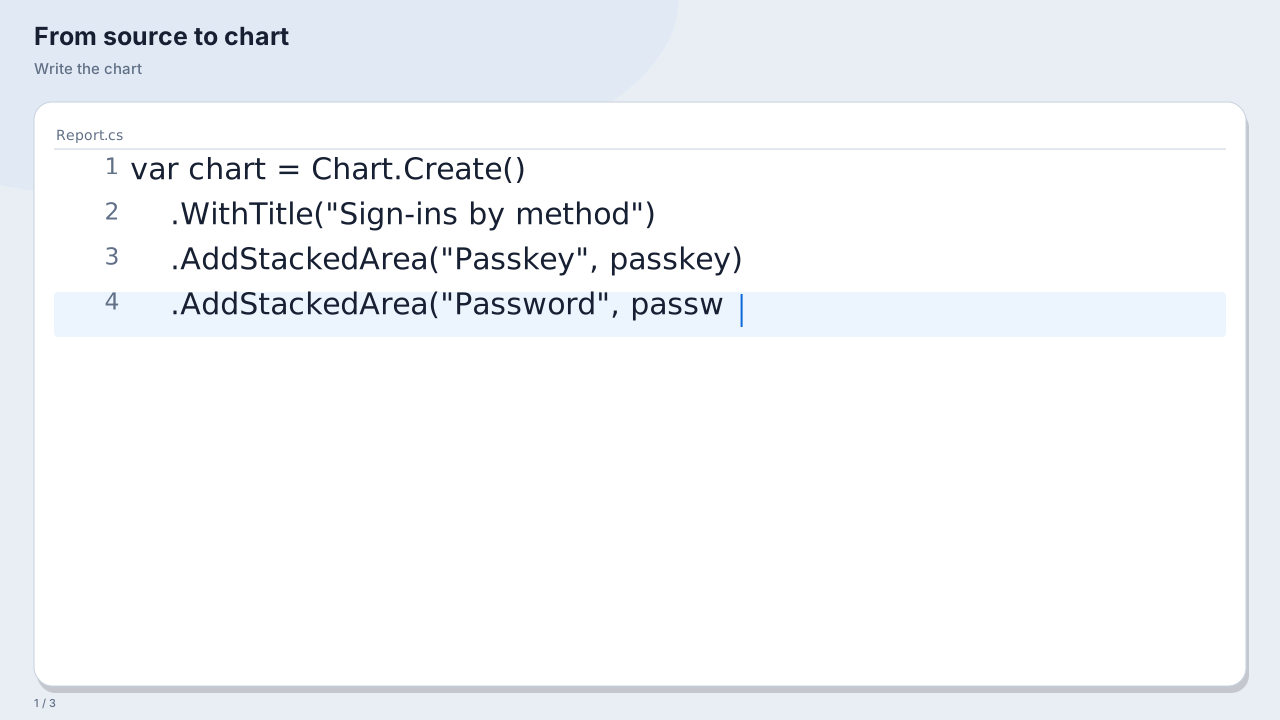
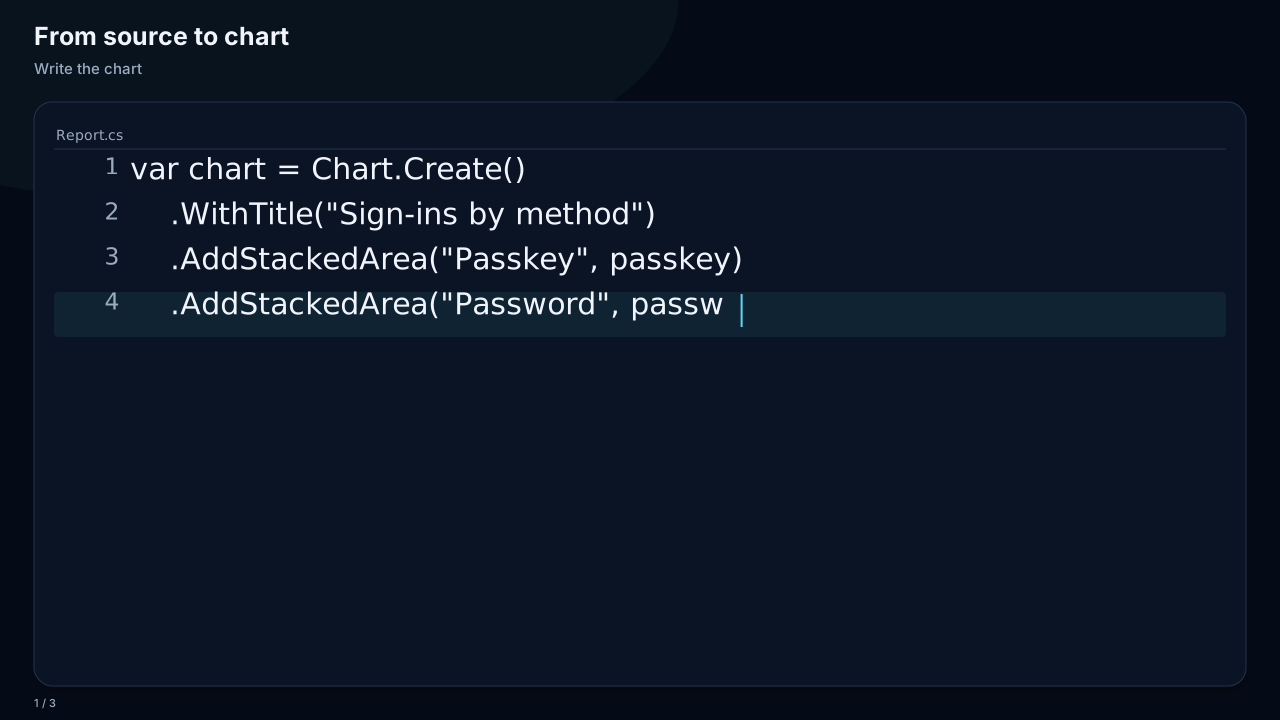
Source editing accepts exact text and resolved syntax spans. Type, Paste, Delete, Select, Edit and Pause author the demonstration without executing code. Ranges use UTF-16 offsets and must preserve Unicode text elements. Replacement first deletes and then types when it has a positive duration; a zero duration inserts immediately.
The editor uses a fixed font size, optional filename and line numbers. It wraps within its viewport and follows the caret vertically. Static source starts at the first line, or at HighlightedLine when specified. Long files retain their complete accessible transcript while the visible viewport stays bounded. Oversized combining sequences display a bounded marker. Use a focused excerpt for a small social image rather than reducing text until it becomes unreadable.
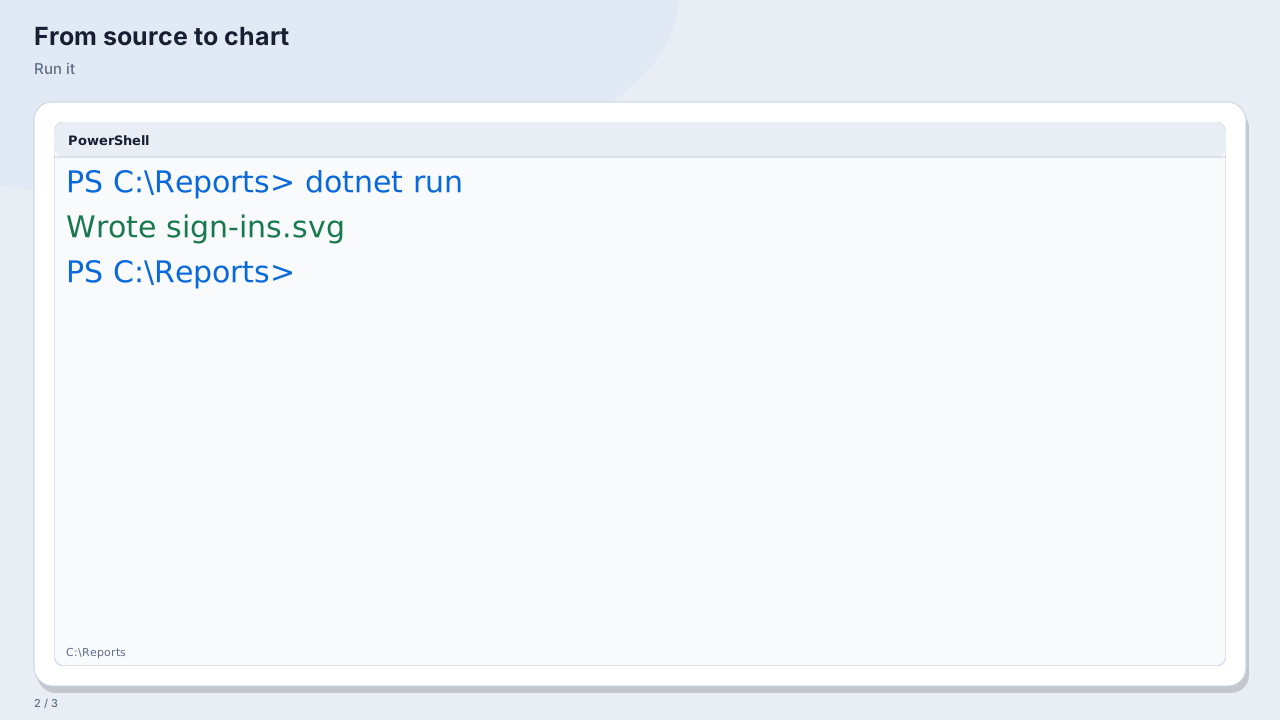
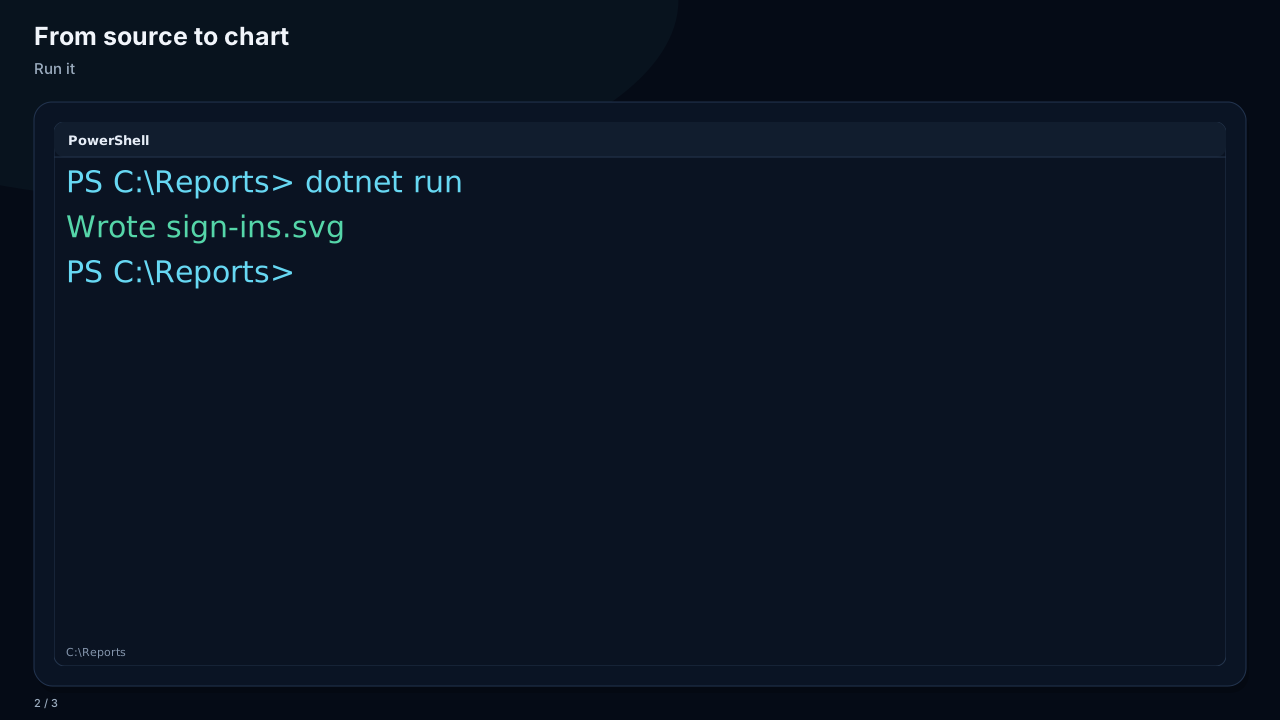
Embedded TerminalStory panels play commands, output and tab changes at the current scene time. Their completed poster retains the final terminal state. Each scene starts its surfaces at zero; use separate authored terminal sequences when each chapter shows a different command.
Pass VisualStoryTerminalOptions to an authored terminal surface to select a fixed-font viewport. Recorded replay surfaces use this viewport by default. It wraps and scrolls logical lines against the panel width without scaling a whole terminal image or retaining line breaks from the original terminal window. FontSize, HistoryLines and Wrap are explicit. The history limit bounds logical display lines per tab in both authored and recorded surfaces; the complete transcript retains every line. Authored tab transitions preserve both sessions with their configured opacity. A panel that cannot fit a readable line fails with an instruction to enlarge or rebalance it.
Recorded sessions
StoryReplay accepts resolved observations from a capture host or an author. A command appears at its submission timestamp. Output, progress replacement, clear, directory changes, tab opening and tab selection are explicit operations; the renderer never executes the commands.
var recorded = StoryReplay.Create(TimeSpan.FromSeconds(60), workingDirectory: "~/demo")
    .Command(TimeSpan.FromSeconds(1), "./Test-Project.ps1")
    .Output(TimeSpan.FromSeconds(35), "24 checks passed", TerminalTextTone.Success);
var replay = recorded.Trim(TimeSpan.Zero, TimeSpan.FromSeconds(40))
    .CompressPauses(TimeSpan.FromSeconds(2))
    .Explain(TimeSpan.FromSeconds(1), "The recorded wait is shortened.");

var demonstration = VisualStory.Create("Validation replay").WithFormat(VisualStoryFormat.Widescreen);
demonstration.Scene("run", "Run the validation", replay.Duration.TotalSeconds)
    .Panel("terminal", new VisualStoryReplaySurface(replay));
demonstration.Outcome("result", "24 checks passed", "terminal");
var playback = demonstration.Prepare();
Trimming reconstructs the initial screen from earlier events and retains that context in the transcript. It is not a redaction operation. Pause compression caps every idle gap, including the leading and trailing gaps. These edits return detached presentations: each event retains OriginalTimestamp, and OriginalDuration retains the recording endpoint. Inserted explanations have no original timestamp and end recording in the returned presentation. Record observations before editing the timeline; use Explain to add presentation text afterward.
Events must be ordered and fit the declared duration. A replay supports 4,096 events, eight persistent tabs, four Mi UTF-16 characters in total, and at most 65,536 characters per event. Recorded content and a complete story are bounded to 30 minutes; export cadence and frame budgets remain independent. ANSI controls are stripped. Capture hosts must resolve carriage-return progress updates with ReplaceLine and other screen operations with explicit events. This model presents resolved output rather than emulating a terminal screen protocol.
Run dotnet run --project ChartForgeX.Examples -- --story-replay-only --output ./replay-output for landscape, square and portrait demonstrations. These examples use authored resolved events so their timing and output remain reproducible.
WithFormat supplies landscape, square and portrait sizes and stacks split panels in portrait. WithSize supplies exact dimensions. WithPanelReflow controls whether a tall viewport changes a split into a stack. Font size remains explicit, so choose a smaller readable size for a narrow source panel instead of relying on whole-image scaling.
Streaming and browser controls
Complete text transcripts support up to 16 Mi UTF-16 characters. Authored terminals and recorded replays check expanded prompts, directories, tab labels and table cells against this limit before joining output; terminal transcripts do not require display layout.
FrameSource(format, options) creates a repeatable producer for RasterAnimationEncoder, with the same format-specific timing and validation as direct Stories exports. Frames(format, options) returns owning frames on that schedule. The overloads without a format retain the exact tick cadence; a generic encoder applies its container rules, including GIF's 10 millisecond minimum, while the format overload also enforces Stories' browser-friendly delay and chapter visibility limits. GIF makes two passes to choose a stable global palette; APNG releases each frame as it proceeds. The story declares its retained assets and render working buffers so they share the encoder's 256 MiB payload budget, including complete story transcripts, repeated shared-panel content, generated replay transcripts and terminal images held together during panel rendering and cross-fades. Resolved vector media is encoded only for SVG output; raster rendering uses its native fallback. Streaming avoids retaining every scene, sampled frame or complete encoded file. Returned byte arrays also reserve space for the encoded result. The complete animated SVG document is limited to 64 MiB of characters, including escaped transcript text, frame payloads, metadata and CSS.
Caller-owned streams remain open. Cancellation, rendering or I/O failure can leave partial output; use a temporary destination and replace the final file after success when atomic saving matters. Caller-authored generic producers must return identical pixels and durations for each index and declare additional working memory when appropriate. See RGBA animation encoding.
The optional ChartForgeX.Interactivity.Html adapter adds play/pause, restart, seeking, chapter buttons, playback rate and a readable transcript. Automatic chapter highlighting follows authored scene boundaries. A chapter button seeks its first readable frame and keeps that chapter selected until the displayed frame changes or the user seeks:
using ChartForgeX.Interactivity.Html;

var page = new HtmlMotionPlayerRenderer().RenderPage(
    prepared.ToAnimatedSvg(frames), prepared.Title);
File.WriteAllText("player.html", page);
The player lists every declared chapter and seeks to its first sample at least half opaque. It starts paused, uses standard keyboard-accessible controls and pauses when the page becomes hidden. Static animation needs no script and shows its completed poster under reduced motion or print. The adapter accepts bounded, self-contained sampled story SVG and rejects external image references and active markup.
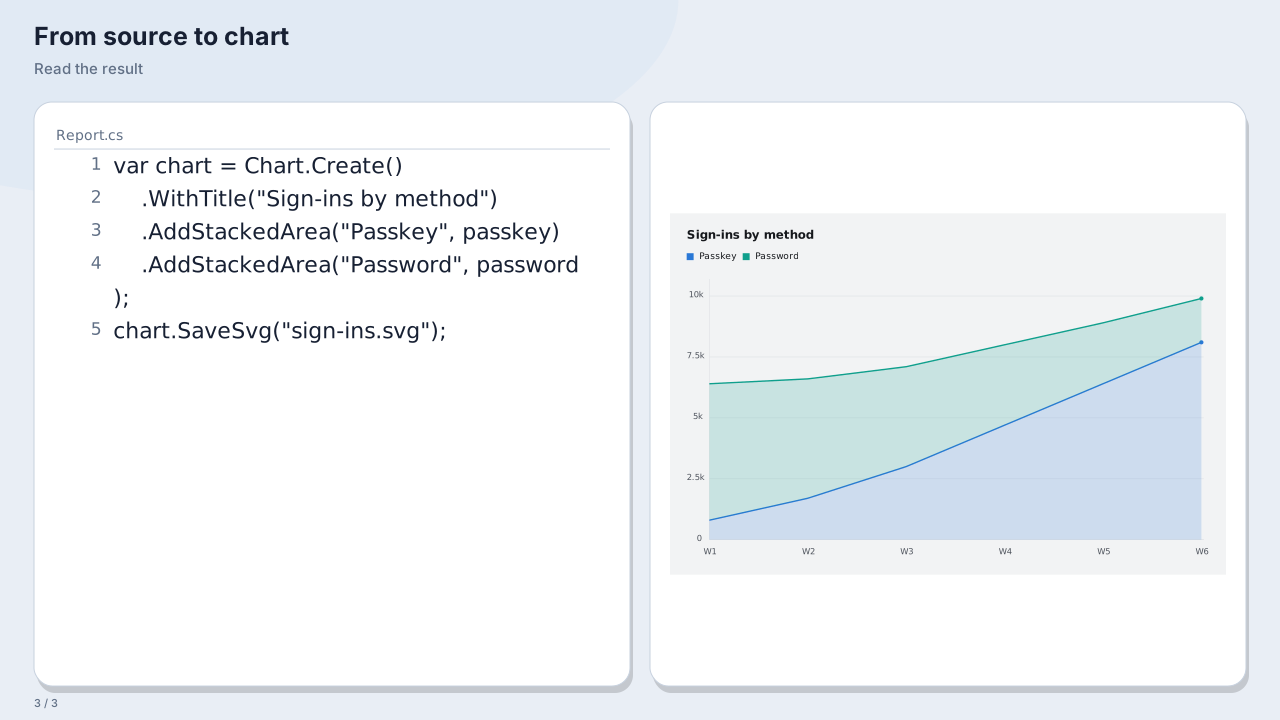
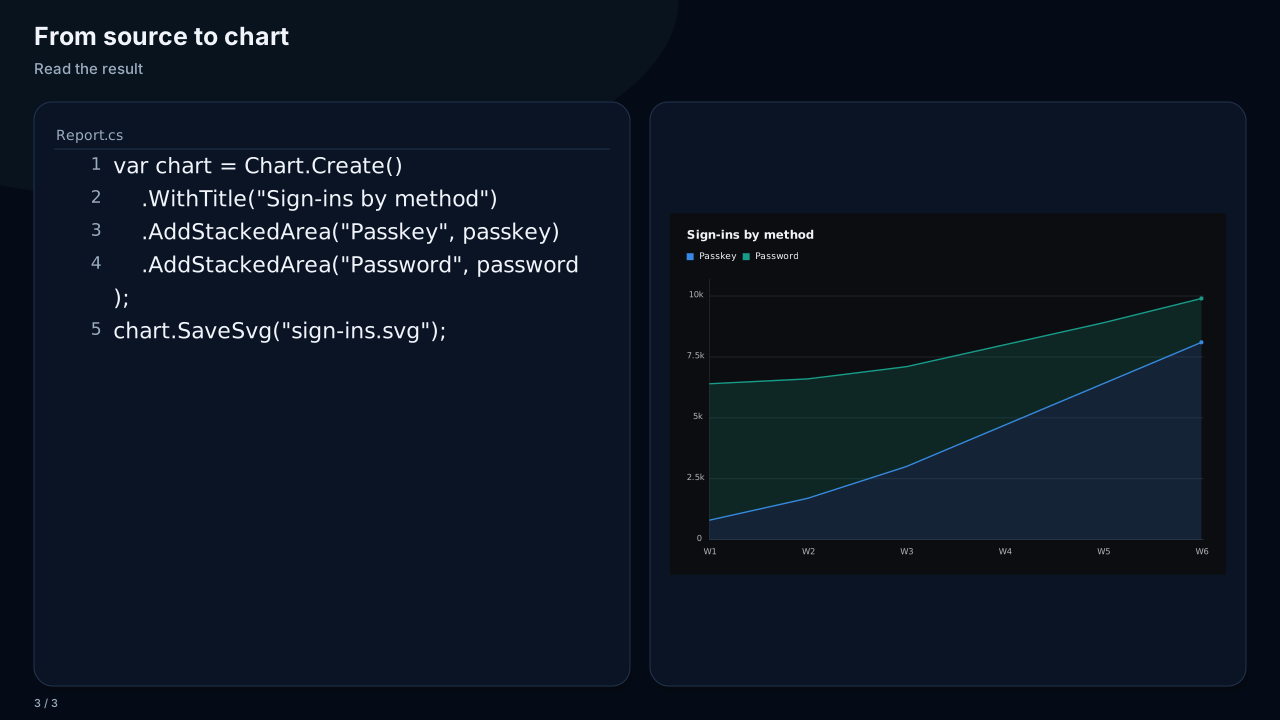
Run the examples with dotnet run --project ChartForgeX.Examples -- --story-playback-only --output ./story-output. They show a source typo, build error, selection and correction, successful output and a real chart in all three aspect ratios. The error transcript is authored; the example does not execute the displayed source. MP4 encoding and platform uploads are outside these exports.